



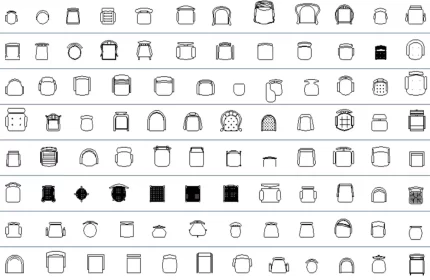
96+ Chairs CAD blocks, perfect for architects and designers looking to boost efficiency and add style to their AutoCAD drawings.

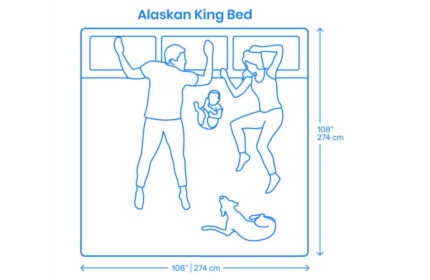
The Alaskan King Bed 274x274Cm CAD block is more than a block drawing, it is an autolisp that inserts the block into CAD drawings and provides the BOMs.

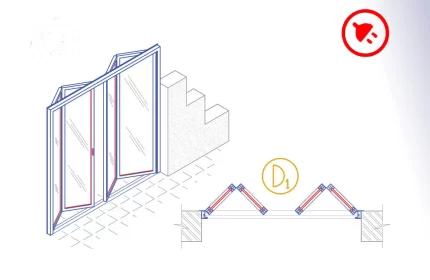
Aluminium bi-fold door or accordion door is an AutoCAD add-in that automates the draft of the doors, adds door tags, tables, and quantity takeoff. How to start: First run the downloaded .msi installer. After installation, open AutoCAD and type MyLibrary in the command line.

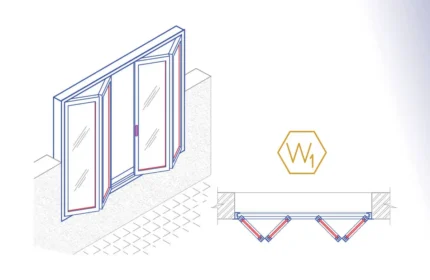
The Aluminium Bi-fold Window is an AutoCAD add-in that automates the window drawing, window tags, window schedules, and window quantity takeoff. How to use: First run the downloaded .msi installer. After installation, open AutoCAD and type MyLibrary in the command line.

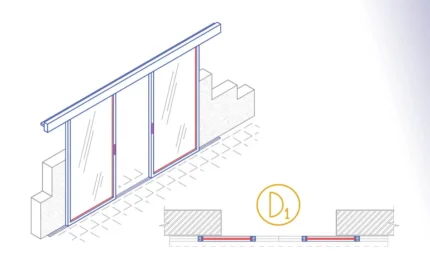
The Aluminium Bi-Part sliding door is an AutoCAD Add-in that automates the draft of the doors, adds door tags, door schedules and streamline quantity takeoff.
How to use: First run the downloaded .msi installer. After installation, open AutoCAD and type MyLibrary in the command line.

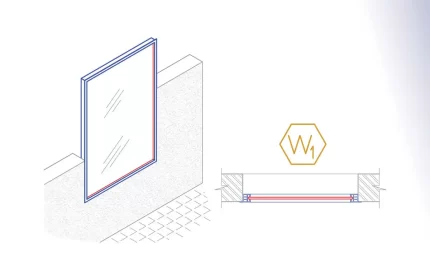
The Aluminium Fixed Window is an AutoCAD add-in that automates the window drawing, window tags, window schedules, and window quantity takeoff. How to use: First run the downloaded .msi installer. After installation, open AutoCAD and type MyLibrary in the command line.


Aluminium folding door or accordion door AutoCAD add-in automates the draft of the door details dwg, adds door tags, table, and quantity takeoff. How to use: First run the downloaded .msi installer. After installation, open AutoCAD and type MyLibrary in the command line.

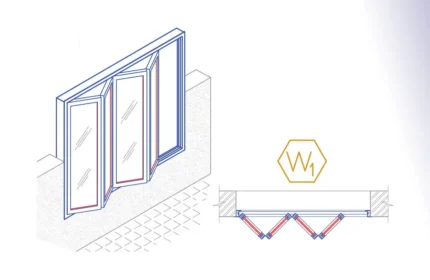
The Aluminium Folding Window is an AutoCAD add-in that automates the window drawing, window tags, window schedules, and window quantity takeoff. How to use: First run the downloaded .msi installer. After installation, open AutoCAD and type MyLibrary in the command line.

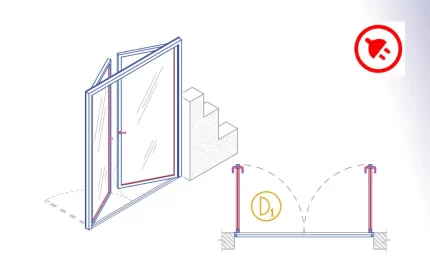
The Aluminium Hinged Double Door is an AutoCAD add-in that automates the door drawing, door tags, door schedules, and door quantity takeoff. How to use: First run the downloaded .msi installer. After installation, open AutoCAD and type MyLibrary in the command line.

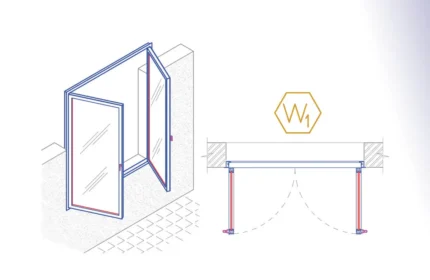
The Aluminium Hinged Double Window is an AutoCAD add-in that automates the window drawing, window tags, window schedules, and window quantity takeoff. How to use: First run the downloaded .msi installer. After installation, open AutoCAD and type MyLibrary in the command line.

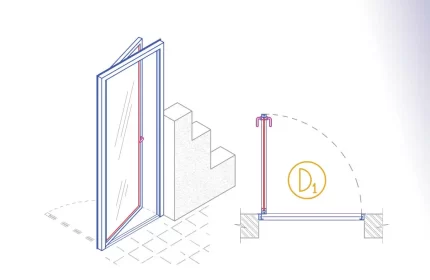
The Aluminium Hinged Single Door is an AutoCAD add-in that automates the door drawing, door tags, door schedules, and door quantity takeoff. How to use: First run the downloaded .msi installer. After installation, open AutoCAD and type MyLibrary in the command line.

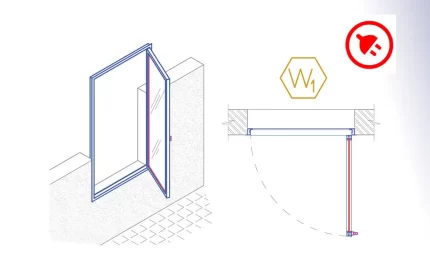
The Aluminium Hinged Single Window is an AutoCAD add-in that automates the window drawing, window tags, window schedules, and window quantity takeoff. How to use: First run the downloaded .msi installer. After installation, open AutoCAD and type MyLibrary in the command line.